
General Presentation
Link to the github page
Description of the engine
Graphical engine
First, we created a graphics engine to display objects from a physics simulation, which helps us test and observe the simulations more effectively. It’s also more enjoyable to be able to visualize our simulations.
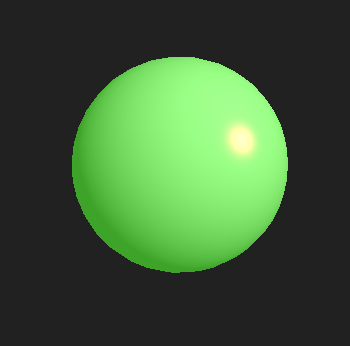
Our graphics engine is capable of rendering spheres, cubes, and cylinders. We have the flexibility to scale and rotate these objects as desired.
Physical engine
Firstly the physics engine allows for the physical management of particles by applying forces to them. Additionally, the engine handles cable and rod collisions between two particles and detects collisions between particles. However, it does not handle the resolution of collisions between particles.
Furthermore, the engine enables the physical management of rigidbodies by applying forces to them. It detects collisions between two rigidbodies (supported collisions include Sphere/Sphere, Box/Sphere, Plane/Sphere, and Box/Plane). Octrees are used to optimize collision detection. However, it does not provide collision resolution for these collisions.
Demonstration program of the engine
Here is a demonstration video showcasing what can be achieved with the engine : demonstration.
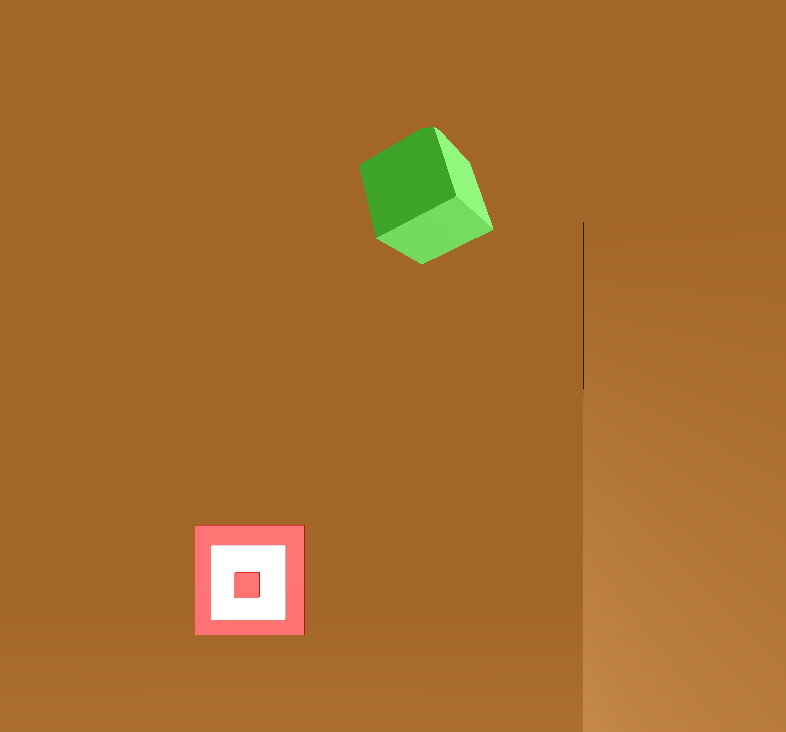
The camera can be moved and rotated. Clicking allows for shooting spheres. Pressing the F key instantiates a cube in the center of the box with random velocity and rotation. Once a collision is detected, the timescale is set to zero, halting all physics simulations and allowing the user to move towards the collision location to verify it.
My contribution to the project
ECS architecture
To manage the fact that each object can possess multiple properties, which may vary, I implemented an ECS (Entity-Component-System) architecture. This architecture allows for the creation of entities and the addition of components that each object requires. For example, if an object serves solely as a collider, we can add only a collider component to it. If we want forces to be exerted on it, we can additionally add a rigidbody component.
To implement the ECS system in our engine, I took a lot of inspiration from this ECS architecture.
Graphical engine
During the project, my main focus was on the graphics engine. I used GLFW and OpenGL to create the graphics engine. For the graphics part, I made it possible to instantiate spheres, cubes, and cylinders. To optimize the rendering of these shapes, I implemented batching rendering. It involves sending only one batch of vertices for each shape, and using that single batch of vertices to render all the corresponding shapes. For example, if we want to render 100 spheres, we only send one batch of vertices that represents the geometry of a single sphere. Then, we use that batch of vertices to render all the other spheres by applying appropriate transformations to position, rotate, and scale them in space.
Collision detection (Narrow phase)
To detect collisions, we perform it in two phases: the broad phase, where we detect potential collisions, and the narrow phase, where we check if two objects actually collide.
I took care of implementing the narrow phase, which allows for detecting collisions between Sphere/Sphere, Box/Sphere, Plane/Sphere, and Box/Plane.
Logical part
To enable the engine user to add custom behaviors to objects, I implemented a way for the user to associate C++ code with an object. This is what allows for camera movement and object instantiation based on different inputs in the demo.